
· 8 min read
How to script a 30-second app promo video: the 5-beat structure
Script a 30-second app promo video in five beats: hook, problem, insight, solution and app. Timing, rules and a real example script, broken down beat by beat.
- short-form video
- video scripts
- hooks
- app marketing
Script a 30-second app promo video as five beats in a fixed order: a hook that names a moment the viewer recognizes, the problem that moment causes, an insight that reframes it, the solution your app offers, and the app itself with a call to download. Each beat is one or two spoken sentences, and the app's name stays out of the script until the last beat. Below, each beat is broken down with timing, rules and a real script made for a bedtime-story app.
What is the 5-beat structure for app promo videos?
The 5-beat structure is a script template for short vertical videos that promote an app. It splits about half a minute into five scenes, and each scene has one job.
| Beat | Its job | Suggested length | Tale Garden example |
|---|---|---|---|
| 1. Hook | Stop the scroll with a moment the viewer recognizes | 2 to 4 s | 3.1 s |
| 2. Problem | Show what that moment costs them | 3 to 5 s | 4.3 s |
| 3. Insight | Reframe the problem in a way they agree with | 5 to 8 s | 8 s |
| 4. Solution | Show how the app acts on that insight | 5 to 8 s | 8 s |
| 5. App | Name the app, make one promise, ask for the download | 5 to 8 s | 8 s |
The order matters more than the exact seconds. Each beat earns the next: the hook earns the problem, the problem earns the insight, and only after the insight does the viewer care what your app does.
Why this order works better than a feature tour
Most app videos open with the product. That's a natural instinct when you built it, but people in a feed haven't decided to care yet.
| Structure | Opens with | App appears | Main risk |
|---|---|---|---|
| Feature tour | The logo or the home screen | Immediately | Reads as an ad, so people scroll past |
| Problem, then solution | A problem | Around the middle | The jump to the product feels like a pitch |
| 5-beat | A moment the viewer recognizes | The last two scenes | Needs a real insight, which takes thought |
The difference between the last two rows is the insight. A plain problem-and-solution video goes straight from "this is annoying" to "download this". The 5-beat version adds a line the viewer agrees with before they know there's a product, so when the app shows up it feels like the obvious next step rather than a pitch.
Beat 1: the hook (first 2 to 4 seconds)
The hook is the opening line, spoken and shown as subtitles, that makes one specific viewer think "that's me".
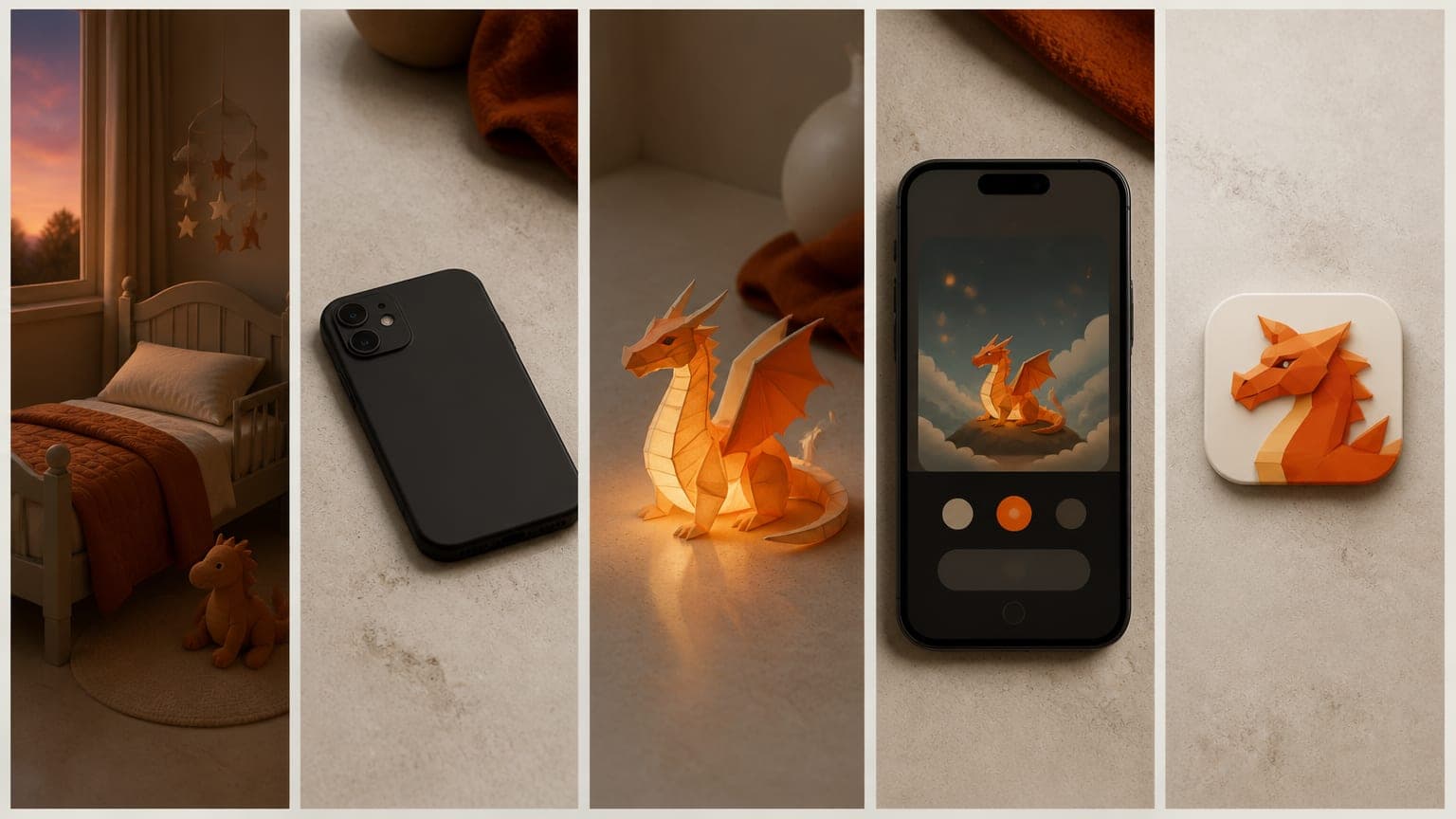
That blank stare after one more short video?
This hook runs 3.1 seconds. It works because it describes something you can see rather than making a claim. Every parent in the brief has seen that stare. There's no app, feature or benefit in it. It's a question, but not a yes-or-no quiz; it's closer to "you know this moment, right?"
Rules for the hook:
- Keep it to one breath: about ten words or fewer.
- Make it concrete: a sight, a sound, a time of day, something people say.
- Leave out the app name and the logo.
- Skip greetings and setup like "Hey parents, so...".
For more starting points, see these 50 hook formulas grouped by type.
Beat 2: the problem (what the moment costs)
You take the phone away, and bedtime becomes a battle.
The problem beat takes the moment from the hook and shows what it costs. In 4.3 seconds, this line shows the obvious fix failing. Taking the phone away is the fix parents reach for first, and it turns bedtime into a fight.
That failed fix matters. It tells the viewer you understand their situation from the inside, and it opens the gap the insight will fill.
Rules for the problem:
- Talk to "you" and describe their experience, not a statistic.
- Show a consequence, not a definition.
- If you can, show the usual fix not working.
- Stick to one problem. Two problems in five seconds blur together.
Beat 3: the insight (the reframe)
Kids don't need more to watch. They need something to imagine, and a say in what comes next.
An insight is a true, specific observation that changes how the viewer sees the problem, and that your app happens to act on. It's the easiest beat to skip and the one that does the most work.
This line uses a contrast: not more to watch, but something to imagine. It doesn't mention the app, and a parent could agree with it on its own. That's the test. If a line only makes sense as an ad, it's a feature, not an insight.
It also sets up the solution precisely. "Something to imagine" and "a say in what comes next" describe exactly what the app does, but the viewer hears them as a belief first.
Rules for the insight:
- Make it something the viewer would nod at even without your app.
- Keep it to one idea. Contrasts like "not this, but that" work well.
- Aim it at the mechanism your app offers.
Beat 4: the solution (show the mechanism)
So let them speak it. Your child says, I want to fly with a dragon, and the story follows.
The solution beat shows how the app acts on the insight. It opens with "So", which ties it to the line before. Then it gives one concrete example in the child's own words, which is easier to picture than any feature description.
This is where the real app starts to appear on screen. The viewer has just agreed with the insight; now they see the product doing it.
Rules for the solution:
- Show one mechanism, not a list of features.
- Give one concrete example the viewer can picture.
- Use real screenshots, never mockups of things the app doesn't do.
Beat 5: the app (name, promise, call to action)
Tale Garden. Ad-free stories they shape, not feeds that shape them. Get it free on the App Store.
The last beat has three parts: the name, a one-line promise and a call to action. The name comes first, so it lands while the icon is on screen. The promise turns the hook's problem around: feeds shape kids, these stories are shaped by kids. The call to action is one plain instruction.
Every claim here comes from the listing: the stories are ad-free and the app is free to download. If your listing doesn't say free, your script doesn't either.
Rules for the app beat:
- Name first, then the promise, then one call to action.
- Echo the hook or the problem in the promise if you can.
- Show the real icon and a real screenshot.
- Use only facts that appear on your listing.
How to time each beat to the voice-over
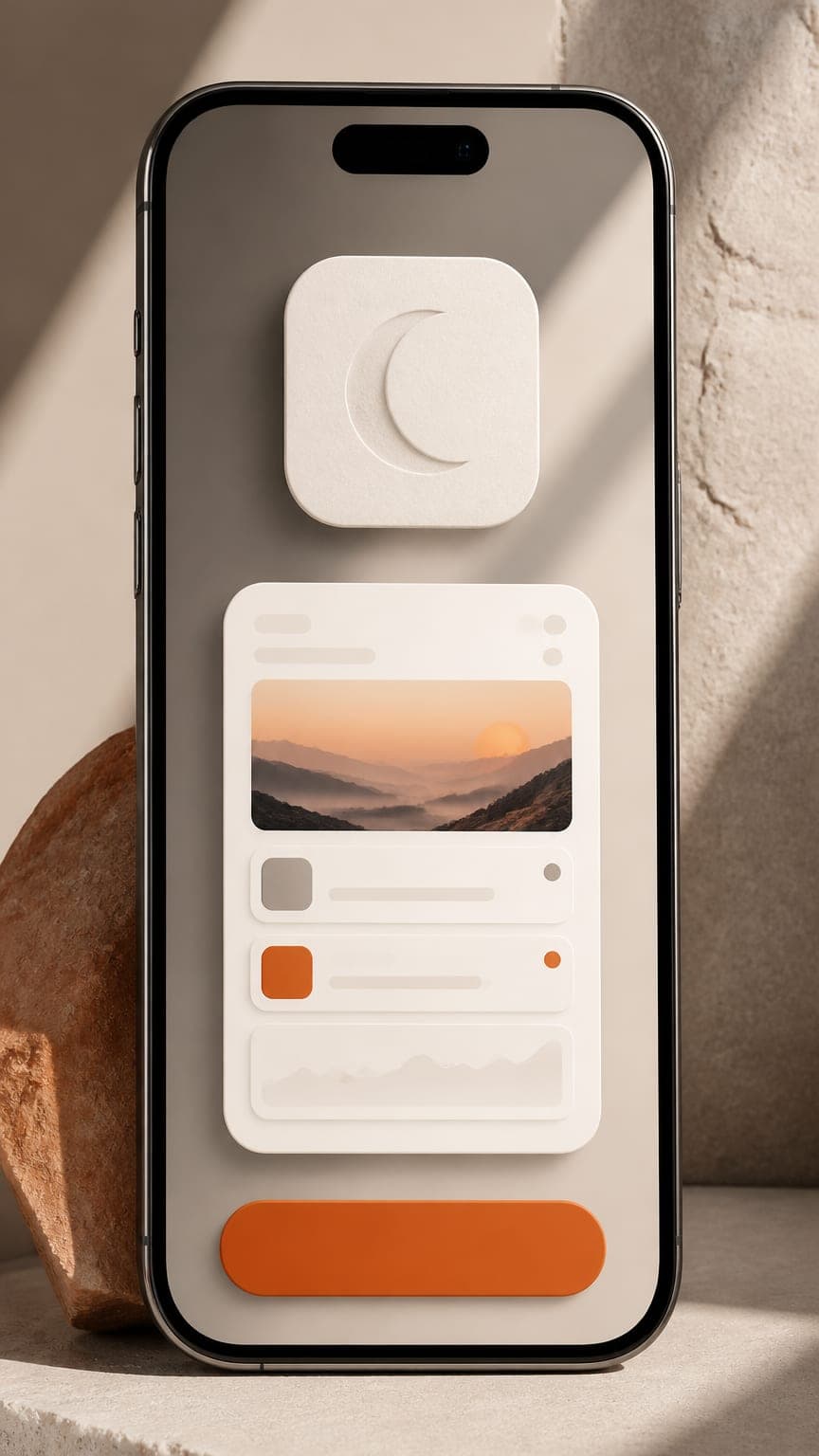
In a good short, the voice sets the pace and the pictures follow. The Tale Garden hook runs 3.1 seconds and the problem 4.3 because those lines are short; the last three lines are longer and run 8 seconds each. Nobody picked those numbers in advance. They came from the voice-over.
To time your own script:
- Write all five lines.
- Read them aloud at the pace your tone calls for. A warm, calm read is slower than an upbeat one.
- Cut words from any line that feels rushed.
- Record or generate the final voice-over.
- Cut each scene to the length of its line, plus a short breath.
- Add subtitles two words at a time, highlighting the word being spoken.
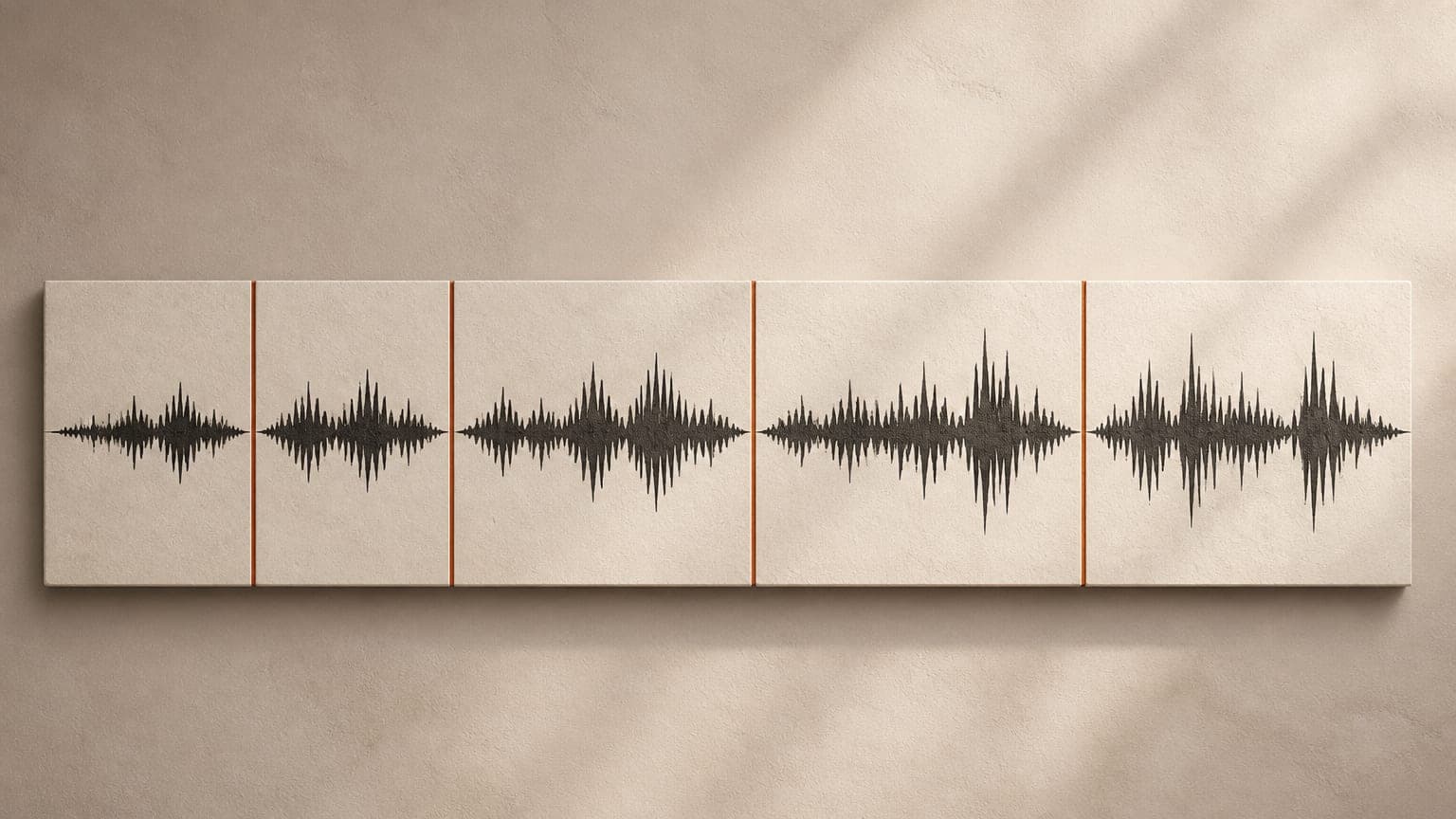
This is also how ReelMyApp builds every short: exactly five scenes in this order, each scene's length taken from the actual voice-over timing, with instrumental music and burned-in subtitles on top. It takes about 5 to 8 minutes from App Store link to finished video, and each video costs 50 credits (see pricing).
The caption that goes with the video
The video isn't finished until it has a caption. Here's the one that shipped with the Tale Garden short:
That blank stare after one more short video? You're not imagining it 🌙
Kids don't need more to watch. They need something to imagine.
In Tale Garden your child says an idea out loud and the story follows them. Ad-free and made for bedtime.
Try it tonight, link in bio ✨
It follows the script: the hook first, then the insight, then the solution in one line, then a single call to action. The hashtags were #gentleparenting, #screentimetips, #bedtimeroutine, #bedtimestories, #parentingtips, #momsoftiktok and #toddlermom.
ReelMyApp writes a caption and 5 to 8 hashtags like these with every short. If you're writing your own, the captions and hashtags guide explains how to build both.
A fill-in-the-blank 5-beat script template
- Hook: [a moment your viewer recognizes, as a short question or a blunt statement]
- Problem: [what happens when they try the obvious fix]
- Insight: [what they actually need, said without mentioning your app]
- Solution: So [how your app does that], with one concrete example.
- App: [App name]. [One-line promise from your listing]. [One call to action].
Here it is filled in for a fictional budgeting app for freelancers:
- Hook: "Invoice paid. So why do you feel broke?"
- Problem: "You spend it as it lands, and then the tax bill takes the rest."
- Insight: "Irregular income doesn't need a stricter budget. It needs a buffer between getting paid and spending."
- Solution: "So every payment you log gets split right away: taxes, bills, and what's actually yours."
- App: "[App name]. A steady paycheck, even when clients pay late. Get it on the App Store."
The same five beats also work as slides; the carousel playbook shows how to map them. For the steps before and after the script, see how to turn your App Store listing into short videos.
Mistakes that break the structure
- Opening with the logo. You lose the people who haven't decided to care yet.
- Stacking problems. One video, one problem. Save the others for the next video.
- An insight that's really a feature. If it mentions the app, it isn't an insight.
- A solution without an example. "Personalized stories" is abstract. "I want to fly with a dragon" is a picture.
- A call to action with four asks. Ask for the download and nothing else.
- Claims the listing doesn't make. No invented ratings, rankings or user counts.
Key takeaways
- Script app promo videos as five beats: hook, problem, insight, solution, app.
- The hook names a moment the viewer recognizes and leaves the app out.
- The problem works best when it shows the obvious fix failing.
- The insight is a belief the viewer agrees with before they see your product.
- The solution shows one mechanism, with one concrete example and real screenshots.
- The app beat is name, promise and one call to action, using only facts from the listing.
- Let the voice-over set the timing, then cut the scenes to it.
Frequently asked questions
What are the five beats of an app promo video?
Hook, problem, insight, solution and app, in that order. The hook names a moment, the problem shows its cost, the insight reframes it, the solution shows how the app helps, and the final beat names the app and asks for the download.
How long should each beat of a 30-second app video be?
Roughly 2 to 4 seconds for the hook, 3 to 5 for the problem, and 5 to 8 each for the insight, solution and app. Let the voice-over set the exact lengths.
Should the app name be in the hook?
No. Naming the app in the first seconds makes the video read as an ad before the viewer has a reason to care. Save the name for the final beat.
What is the difference between the problem and the insight?
The problem describes what hurts and what the viewer has already tried. The insight explains what they actually need, in a way they would agree with even before they see your app.
Can I use the 5-beat structure for carousels?
Yes. Map each beat to a slide: a hook cover without the app name, a problem slide, an insight slide, a solution slide and a final app slide with the real icon, a screenshot and a download call to action.
Does ReelMyApp always use five beats?
Yes. Every short it makes has exactly five scenes in this order, with scene lengths taken from the voice-over timing.