
For iOS and Android app teams · 18 languages
Paste your App Storeor Google Play link.Post a finished short.
ReelMyApp reads your listing, then writes, voices, scores and edits a 30-second vertical video. Carousels, captions and hashtags come with it, in the language your audience speaks.
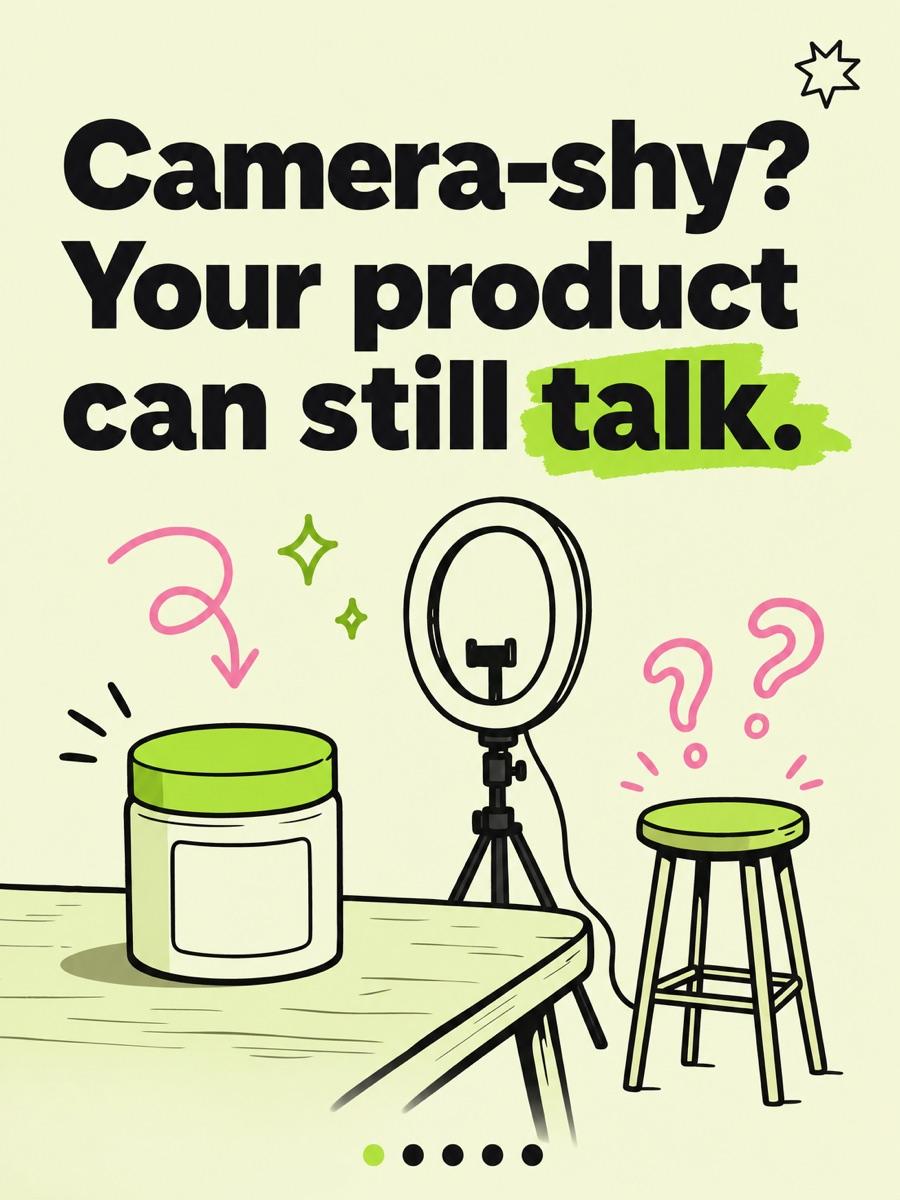

Real carousels, untouched
Every app gets its own art direction
The look comes from your icon and screenshots, the story from one line of brief. A bedtime-story app and a product-photo app never come out looking alike.
“For conscious parents trying to keep their kids away from YouTube Shorts, TikTok and Reels.”
- 01 · Hook

- 02 · Content
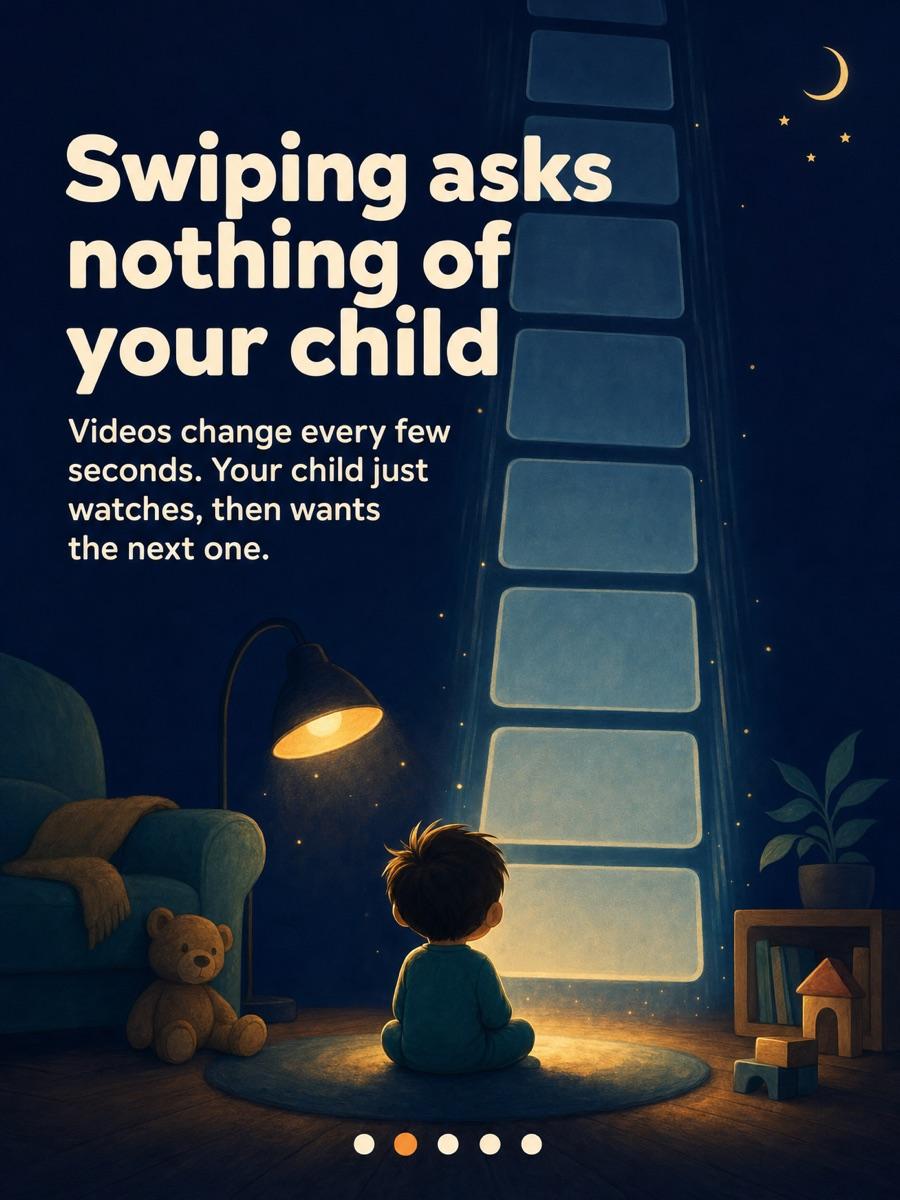
- 03 · Content
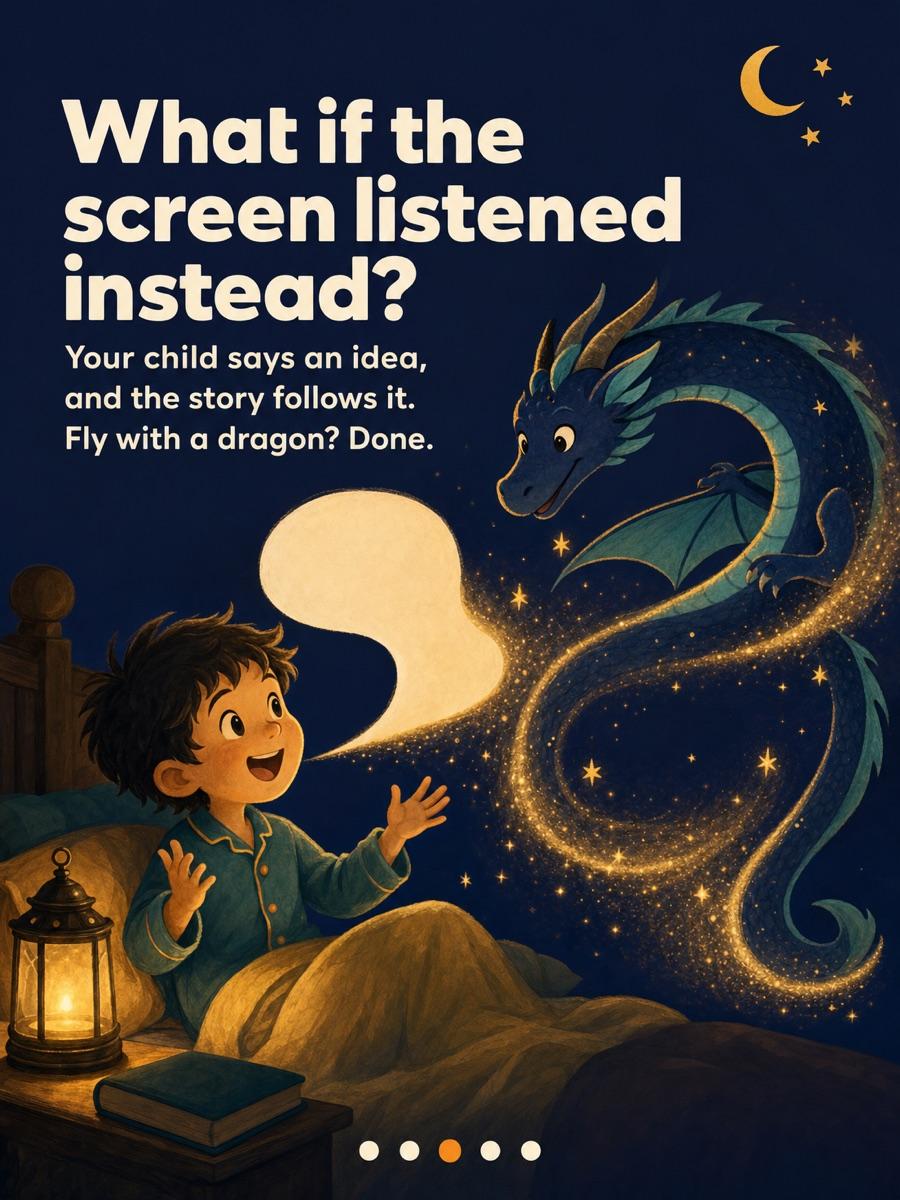
- 04 · Content

- 05 · App
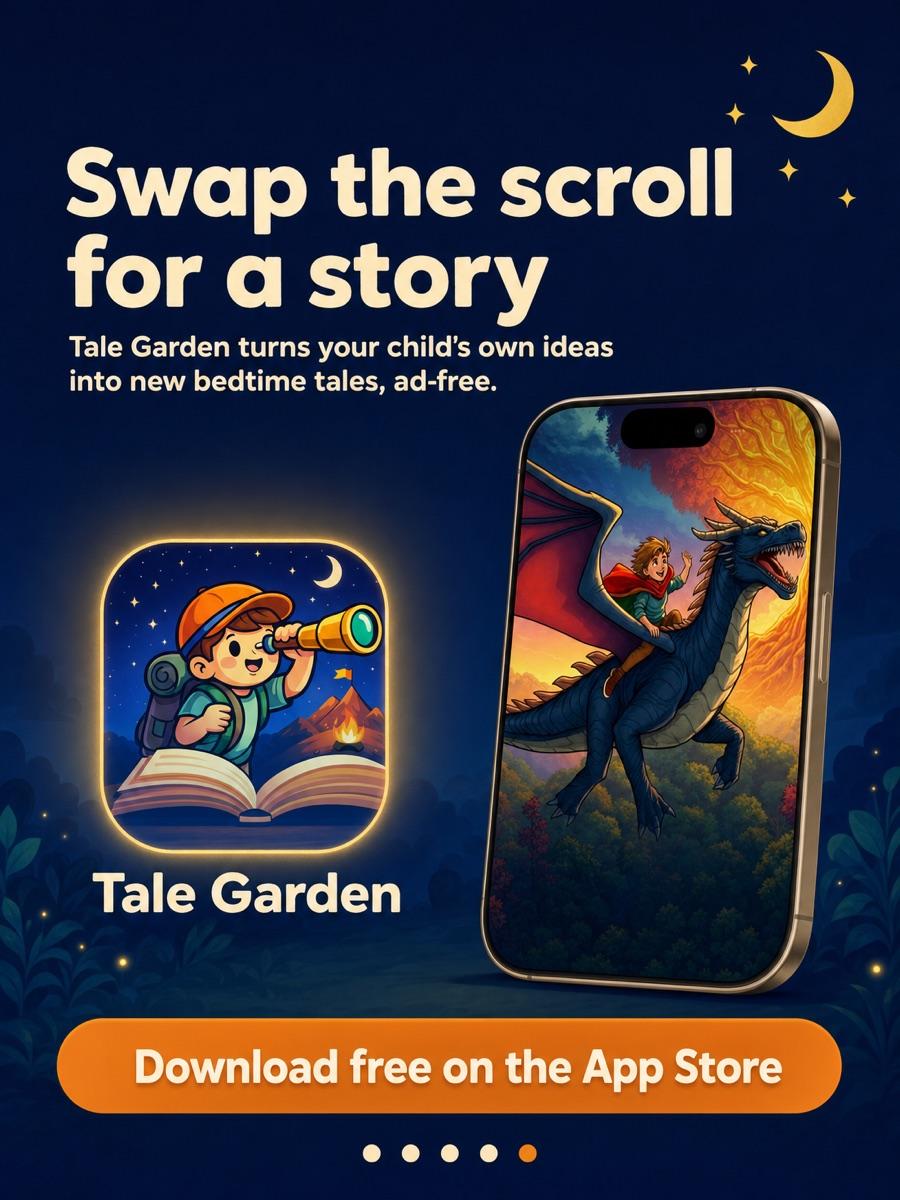
What one link gives you
Everything you need to post, already written
Openings built to stop the scroll
- Tale GardenVideoYour kid isn't fighting sleep. They're fighting the ending.
- ComoCarouselYour product is great. Your photo isn't.
- DuolingoCarouselBack at lesson one. Again?
- Como Ad MakerCarouselCamera-shy? Your product can still talk.
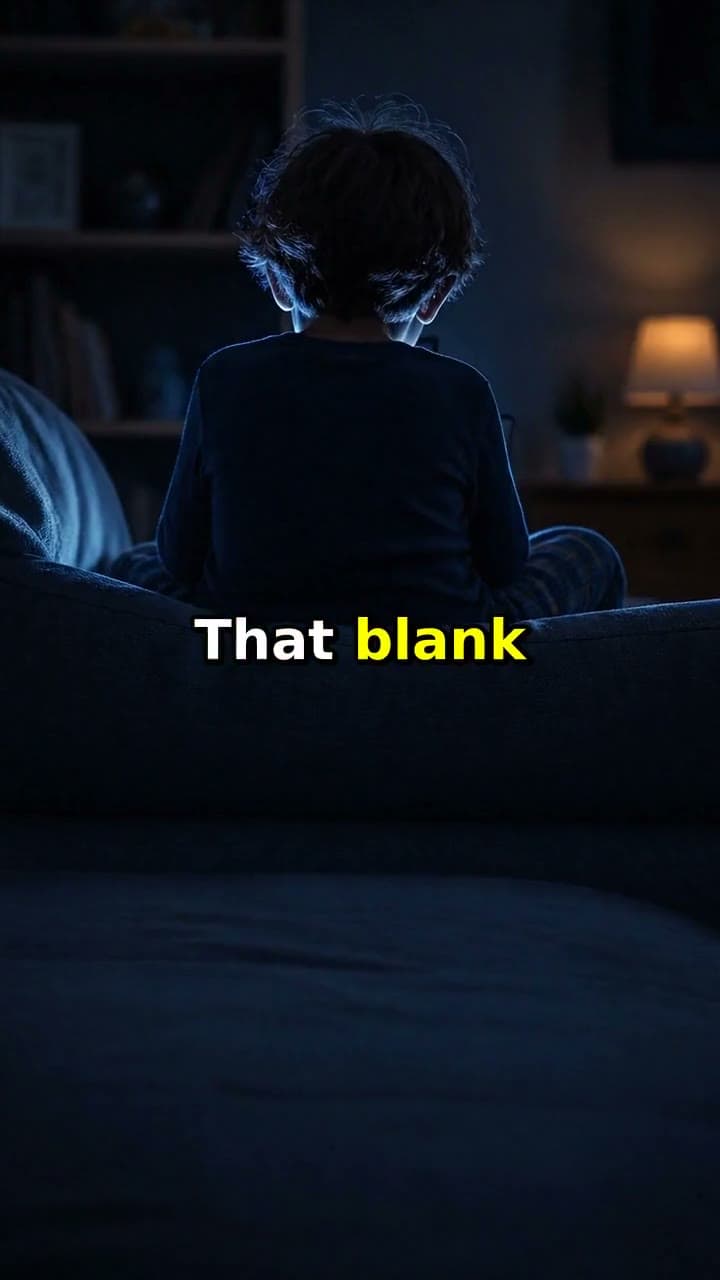
- Tale GardenVideoThat blank stare after one more short video?
Ready to paste under the post
That blank stare after one more short video? You're not imagining it 🌙 Kids don't need more to watch. They need something to imagine. In Tale Garden your child says an idea out loud and the story follows them. Ad-free and made for bedtime. Try it tonight, link in bio ✨
- #gentleparenting
- #screentimetips
- #bedtimeroutine
- #bedtimestories
- #parentingtips
- #momsoftiktok
- #toddlermom
Where it fits and when to post
- InstagramStrong fitStrong fitSun–Thu, 8:30–10:30 pm ET
- FacebookStrong fitStrong fitTue–Thu, 8–10 pm ET, Sunday 9–11 am
- PinterestGood fitGood fitSat–Sun, 8–11 pm ET
- ThreadsGood fitGood fitWeekdays, 9–11 pm ET
A 33-second cut for a different audience

- Voice
- George, a warm storyteller
- Music
- Instrumental, mixed at 18%
- Subtitles
- Two words at a time
Your real icon and screenshot, never a mockup

Nothing your listing does not say
Scripts and slides use your description, release notes and screenshots. No invented features, prices, rankings, reviews or user counts, and no other brands' logos.
- Description
- Release notes
- Screenshots
- Icon
- Rating
Launch film · 30 seconds
Watch one link turn into a reel
Tale Garden's App Store link goes in. The script, voice-over, music, scenes, subtitles, carousel and post copy come out. Every screen in the film is the real app.
How it works
From link to post in three steps
- 1
Add your app
Paste the App Store or Google Play link once. ReelMyApp reads the name, description, release notes, icon, screenshots and rating.
- 2
Say who it is for
One or two casual sentences, in any language. Pick the languages, the voice and how many slides you want.
- 3
Post the finished set
The video and the carousel arrive ready to post. Redraw any slide, then download the MP4, the PNGs and the copy.
- Reading your store listing
- 2Writing the script
- 3Recording the voice-over and music
- 4Drawing the scenes
- 5Bringing the scenes to life
- 6Editing and adding subtitles
Every paid step is saved the moment it starts, so a hiccup never makes you pay for the same clip twice. Retry picks up where it stopped.
Pricing
Pay for what you post, not for seats
Every plan refills its credits each month. Start with 20 free credits, no card needed.
Starter
For one app that needs a steady feed.
$24.17/ month
Billed $290 once a year
- 200 credits every month
- About 4 videos or 11 carousels
- Draft and Standard slides
Pro
For growth teams posting every day.
$65.83/ month
Billed $790 once a year
- 600 credits every month
- About 12 videos or 35 carousels
- HD carousel slides
Studio
For studios and agencies running many apps.
$165.83/ month
Billed $1990 once a year
- 1,700 credits every month
- About 34 videos or 100 carousels
- HD carousel slides
- Priority email support
Every plan includes
- Unlimited app projects
- Videos with voice-over, music and subtitles
- Captions, hashtags and hooks in 18 languages
- Platform previews and a posting plan
- Commercial use of everything you make
What credits buy
- A 30-second video
- 50 credits
- Carousel strategy, copy and hashtags
- 5 credits
- Each slide, Draft
- 1 credit
- Each slide, Standard
- 2 credits
- Each slide, HD (Pro and Studio)
- 5 credits
Slides are counted per language. Failed jobs can be retried for free or refunded.
Questions
Before you paste a link
Short answers about how it works, what it costs and what you get.
What is ReelMyApp?
ReelMyApp turns an App Store or Google Play link into ready-to-post social content: a roughly 30-second vertical video with voice-over, music and subtitles, multi-slide carousels, captions and hashtags, in 18 languages.
Do I need to write a script or prompts?
No. Paste the link and describe your audience in a sentence or two, in any language. ReelMyApp picks the angle, writes the hook and the script, and designs every slide.
How long does a video take?
Usually 5 to 8 minutes from link to finished MP4. A carousel is ready in about two minutes. You can close the tab; the work keeps going.
Will it make things up about my app?
No. It only uses facts from your store listing: the description, release notes and screenshots. It never invents features, prices, rankings, reviews or user counts.
Does it work with Android apps?
Yes. Paste a Google Play link the same way as an App Store link. ReelMyApp reads the name, description, release notes, rating, icon and screenshots, and the call to action sends people to Google Play.
Which languages are supported?
English, Turkish, German, French, Spanish, Italian, Brazilian Portuguese, Dutch, Polish, Russian, Ukrainian, Arabic, Japanese, Korean, Simplified Chinese, Indonesian, Hindi and Swedish. Copy is written natively in each language, not translated word for word.
How do credits work?
A video costs 50 credits. A carousel costs 5 credits plus 1, 2 or 5 credits per slide per language for Draft, Standard or HD. Plan credits refill every month and do not roll over. If a job fails, you can retry it for free or get the credits back.
How much does it cost?
Starter is $29/month for 200 credits, Pro is $79/month for 600 credits and Studio is $199/month for 1,700 credits. Paying yearly gives you two months free.
Can I try it for free?
Yes. Verify your email and you get 20 free credits, enough for a full Standard carousel. No card is needed.
Can I edit what it makes?
Yes. Rewrite any slide's headline, supporting line or visual direction and redraw it, rename videos, and copy captions and hashtags. Download videos as MP4 and carousels as PNG slides or one zip with the copy.
Which AI models does it use?
Claude Opus plans the strategy and writes the scripts, GPT Image 2 draws slides and scenes, Veo 3.1 animates the clips and ElevenLabs records the voice-over and music, all served through fal.
Your next post is one link away
Paste your App Store or Google Play link, say who it is for, and get a short, a carousel and the copy to go with them.